Help Centre · Basics
How to reset your password
Forgotten your password? Here's how to get back into your account.
Reset from the app
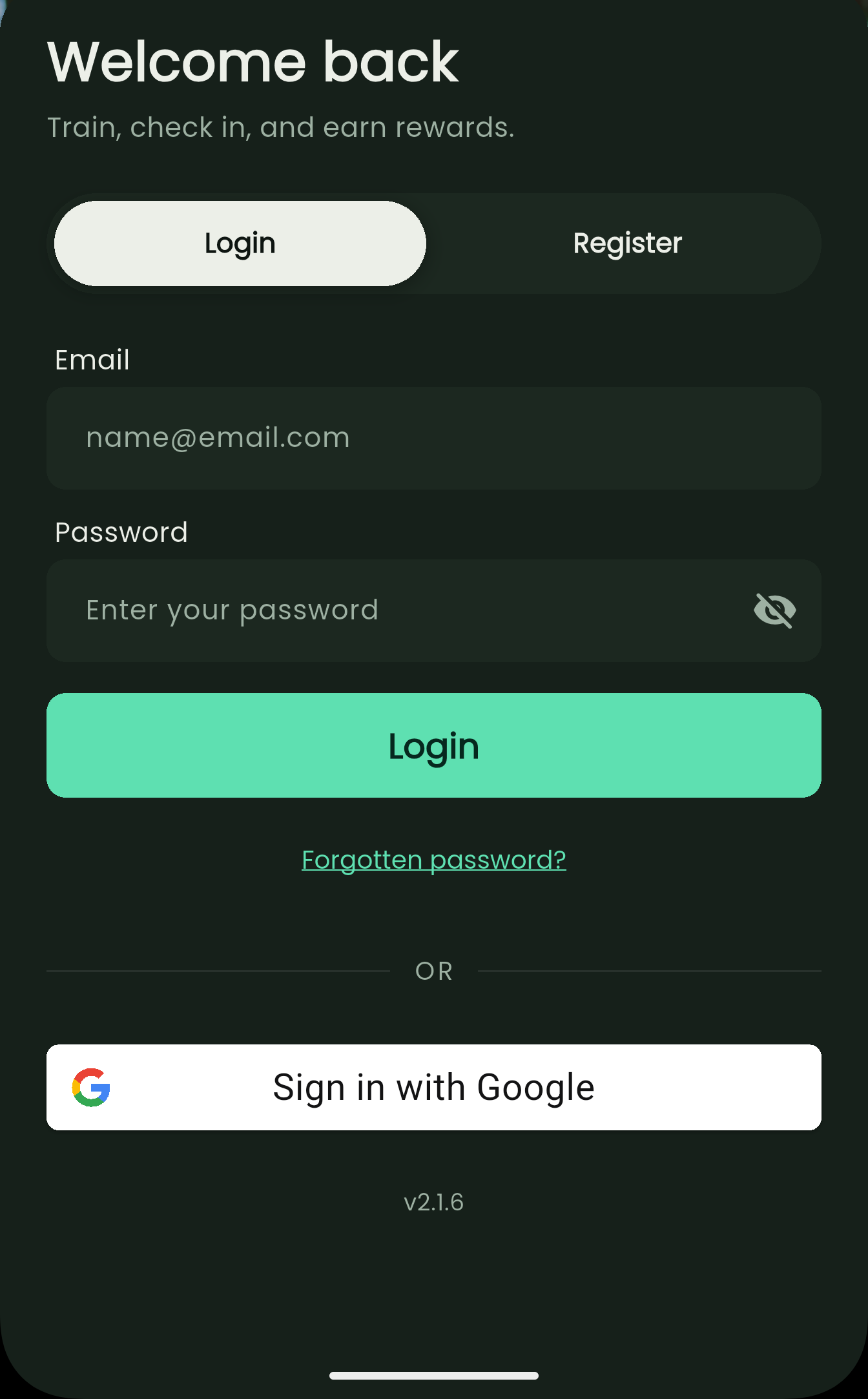
Open the Coach Welly App and go to the login screen.
Tap Forgotten password?, just below the Login button.
Enter the email address linked to your account and submit.
Check your inbox for a password reset email and follow the link.
Choose a new password and log in.
If the email doesn't arrive
Check your spam or junk folder.
Confirm you're using the email address you signed up with.
Wait a few minutes, then request another reset.
Still stuck? Contact your organisation's Welly admin or reach out to support.